Most advice on human-AI collaboration is written as if the hard part is the AI. Pick the right model, write a decent prompt, and the rest sorts itself out. Then you try it with a real team, and the hard part turns out to be a much older problem: who is doing what, who decides, and how does anyone know it worked?
That's what human-AI collaboration looks like in practice. It's less about clever tools and more about working agreements. In this guide we'll cover what the research says about when it works, three modes of working together, and how to keep humans and agents pointed at the same goals.
What is human-AI collaboration?
Human-AI collaboration is people and AI systems working together on the same task or outcome, with each doing the part they're best at. The AI brings speed, scale and patience. The human brings context, judgement and accountability. IBM, Salesforce and Genesys all publish solid definitions if you want the textbook version.
The textbook version skips something important, though. Collaboration isn't the same as using a tool. A spell checker doesn't collaborate. An agent that drafts the weekly report, chases three people for numbers and flags a risk to your manager is doing something closer to a teammate's job. And teammates need goals, owners and a way to report back.
When human-AI collaboration works (and when it doesn't)
Here's the uncomfortable bit. A large MIT Sloan analysis of human-AI studies found that, on average, human-AI teams did not beat the best of the human or the AI working alone. Combinations did worse on decision tasks, like diagnosing a case or spotting fake reviews. They did better on creative and generative tasks, like writing and design.
The pattern is easy to remember. When the job is to produce something, humans plus AI tends to win. When the job is to judge something, a human second-guessing a good model often makes things worse. We don't recommend putting a human in every loop just because it feels safer. Put them where their judgement adds something the model can't.
That has a practical consequence. If humans add the most value when they're reviewing and shaping what the AI produced, the output needs to be easy to find and easy to judge. A report buried in a chat thread doesn't get a proper review.
Three modes of human-AI collaboration
Think of it like delegating to a new colleague. You wouldn't give a first-week hire the keys to everything, and you wouldn't micromanage a ten-year veteran. Agents work the same way, and most teams end up using three modes.
Assist: you drive, the AI helps
This is the lowest-risk, highest-control mode. You do the thinking and the AI speeds you up: a first draft, a summary of a long thread, a second opinion on a plan. Nothing happens unless you decide it does. It's where most people start, and for a lot of work it's where they should stay.
Approve: the AI drafts, you decide
Here the agent does the work, but a person signs off before it goes anywhere that matters. Think customer replies, anything involving spend, or anything that leaves the building. The research above is the guide: ask for approval where your judgement changes the outcome, not on everything.
Autonomous: the AI runs, you review
For repetitive, low-risk work you don't need to be in the loop every time. A weekly status report that gets compiled and sent, a spreadsheet that gets tidied, a list that gets refreshed. You review the results and the exceptions rather than every step.
The mistake is picking one mode for everything. A single agent can be autonomous when it tidies a spreadsheet and need approval when it emails a client. Decide the mode per task, write it down, and revisit it as the agent earns trust.
Five habits that make human-AI collaboration work
- Give every agent a human owner. Someone's name goes next to it. When it breaks, or drifts, there's a person to call. This is also the cure for AI agents quietly running off in their own direction.
- Write down decision rights. What can the agent do alone, what needs approval, and what is off limits? One short page beats a dozen assumptions.
- Give agents the same goals as the team. An agent that doesn't know the objective will optimise for whatever is easiest to measure. Point it at the real outcome.
- Keep humans on the judgement calls. Use the research above. Save human attention for the decisions where it changes the result.
- Run a regular check-in. Review what the agents did, what they got wrong and what changes next week. It's the same weekly check-in you'd run with people.
Shared goals are the missing piece
Here's where most human-AI collaboration quietly falls apart. The humans have goals. The agents have prompts. Nothing connects the two, so nobody can say whether the agent's work moved the number that matters.
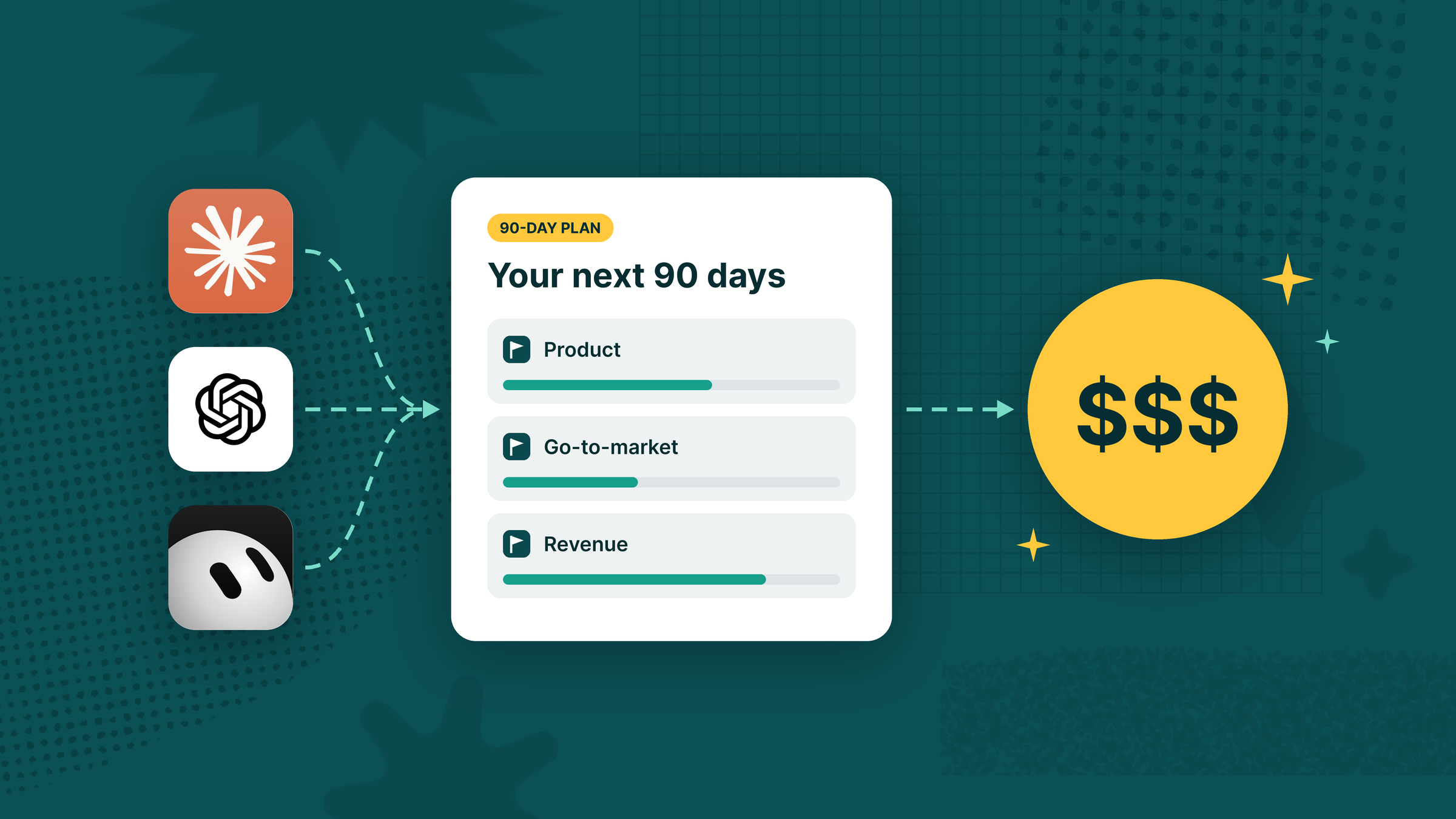
The fix is to put humans and agents on the same plan. If your team runs OKRs, that means the agent is attached to a key result, owns specific initiatives, and reports progress alongside everyone else. We wrote about the mechanics in our piece on goal loops for human and agent hybrid teams, and about giving agents memory in the contextual AI loop.
This is where Tability comes in. It's built so that agents are part of the plan, not something bolted on next to it. Here's how the habits above work in the product.
Every agent has a named human owner
Every agent in Tability belongs to a workspace member. Habit one isn't a policy you have to remember to enforce: when an agent drifts, its owner's name is already on it.

Agents are attached to key results and initiatives
You attach an agent to a key result or an initiative the same way you'd assign a person. A key result can also have a manager agent responsible for it. The agent isn't working from a prompt in isolation, it's pointed at the number the team is trying to move.
The beauty of attaching a key result to an Agent is that they will update progress over time. Where Agents are great at generating outputs and running on a schedule, it's not often that they are able to take a look at a long-term goal and check how it's work today has progressed the greater objective forward.

Artifact links and status comments
Agents attach what they produced (a doc, a report, a pull request) to the initiative they're working on, so the reviewer sees the goal and the work together. When an agent changes an initiative's status, it does so through a comment, which leaves a visible trail of what changed and why. If you correct it, the correction stays on the record.
What truly makes your Agent a part of the team is how it gets integrated into the same collaborative flows as everyone else. If your teammate notices a mistake or has a suggestion for your Agent, they can reply to their check-ins. The next run, those suggestions get taken into consideration.
It's not much different from how we manage and collaborate with our human team members.
Scheduled agent tasks and AI Mode
For the autonomous end of the spectrum, agents can run recurring work on a schedule, like the weekly status report, and report into the goal they belong to. At the other end, AI Mode lets you work through your plans and OKRs conversationally inside Tability, which is assist mode at its most hands-on.

You can even talk to your OKRs from ChatGPT or Claude through the Tability MCP server. The result is one place where a manager can see what the humans and the agents are each working on, without the overhead of yet another dashboard.
Common mistakes to avoid
- Treating AI as a tool, not a teammate. If it does recurring work, it needs an owner, a goal and a review.
- Approval for everything. Humans rubber-stamp, get bored and miss the one that mattered.
- No feedback loop. If corrections never make it back to the agent's instructions, you'll fix the same mistake every week.
- Measuring activity, not outcomes. Runs and tokens are not results.
Where to start
Pick one workflow you already run, say the weekly status report. Decide the mode (assist, approve or autonomous), name the owner, attach it to a goal and review it in two weeks. That's a small experiment, and it'll teach you more than any framework.
If you'd like help setting that up, see how Tability works with AI agents, or book 30 minutes with us and we'll help you work out what human-AI collaboration looks like for your team. Tability or not!
.jpg)


.png)