Your agents can do so much.
They can code for you. They can write for you. They’re connected to all your tools and files, so it can edit docs in Notion, create tasks in Jira, and send messages in Slack. One thing it can’t do is reference other chats and old work. It can’t build on the work it’s already done. It can’t search through old conversations and say “wait… déjà vu?”
It means that the work we do with our chatbots is going underutilised, unrecorded, and worst of all: forgotten.
Problem: The mess of flowing conversation
AI chat interfaces are incredibly powerful, but your workflow moves fast and in one direction — and there isn't much record of what you built or discussed.
Creation feels free-flowing and natural, but a lot of great work gets left behind. It's the same problem we have with meetings: productive conversations get lost if nobody's taking notes.
A week later, you think "Oh, what was that thing…" and go digging through old chats. Most people just start a new one. Now you've got disjointed discussions that can't reference or build on each other. AI can't skim your past conversations for context on command — at least not easily.
Conversations are easily lost
Like life, things happen and we forget. It's why we keep a diary. In meetings, we take notes for the same reason. We use Fireflies at Tability — being able to bounce back and reference something from a past conversation is incredibly useful. It's not a perfect recollection, but it's a diary entry: something that lets you reference back, dig deeper, and most importantly, remember that it happened at all.
Keeping a diary to build historical context
A check-in on your OKRs works the same way. It's a diary entry for what happened that week — what you accomplished, what you worked on, what worked and what didn't. Easy to scan, easy to reference, and great for understanding cause and effect.
Visualising a trend gives you a totally different perspective on where you are:
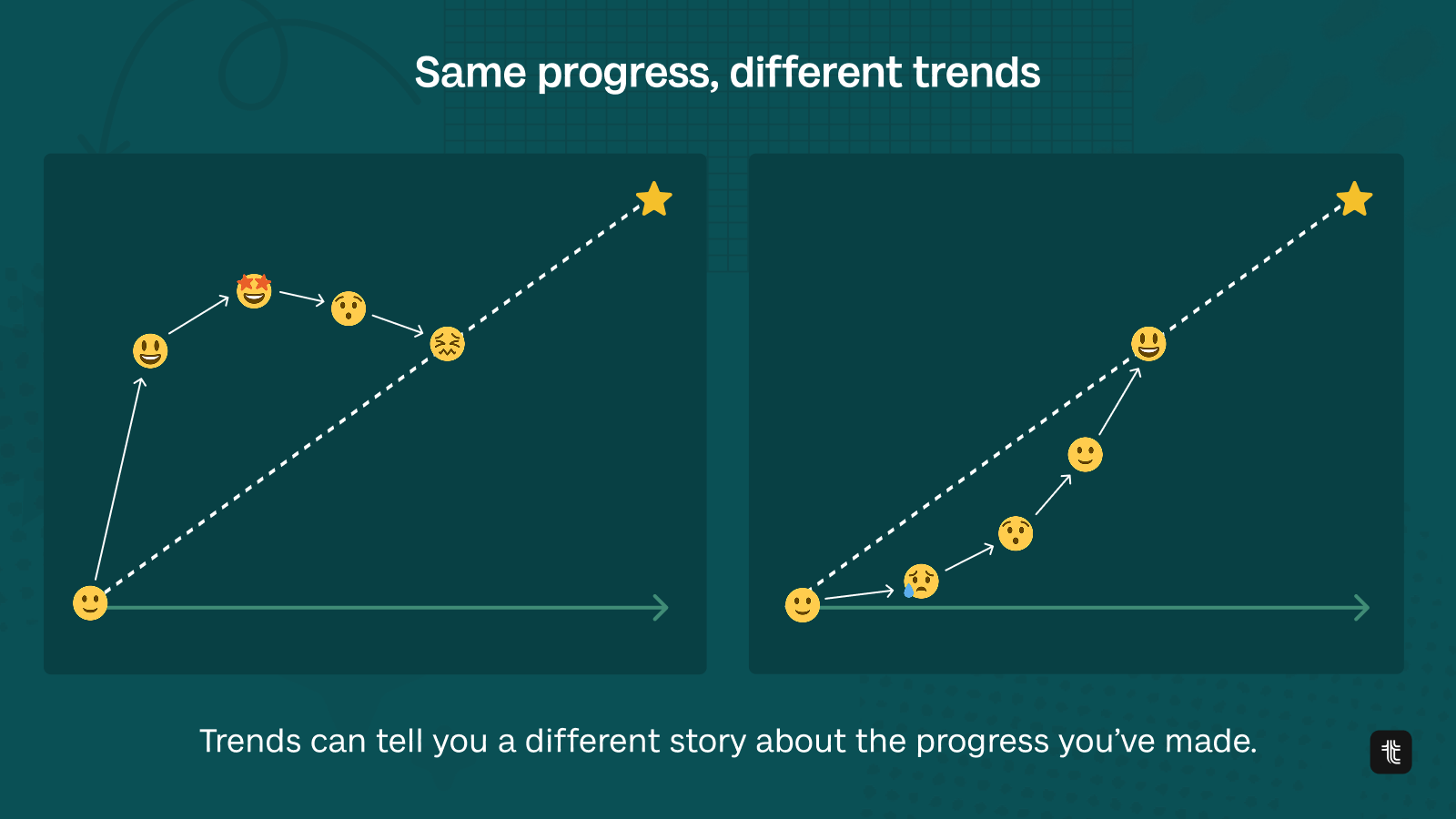
One of the great values of OKRs is the ability to look back and understand trends, momentum, progress — and the context behind them. Trends tell you where you've been and shine a light on what might be coming.
Another word for it: historical context
Solution: Building a database of historical context
We’re talking about a lot of theory but let’s get into the tech. Here’s a step by step guide on how to turn your work into a living database of historical context.
- Prompt Tability MCP server to check for relevant information
- Do your work in Cowork
- Prompt - review work and create a check-in in Tability
Here’s how each step works in practice.
Step 1: Pulling in historical context before you start
Before you do any work, you prompt the Tability MCP server to fetch relevant context from your OKR history. This is not a generic search. The MCP server connects directly to Tability’s data layer, which stores structured records of your goals, check-ins, progress updates, and notes across every past cycle.
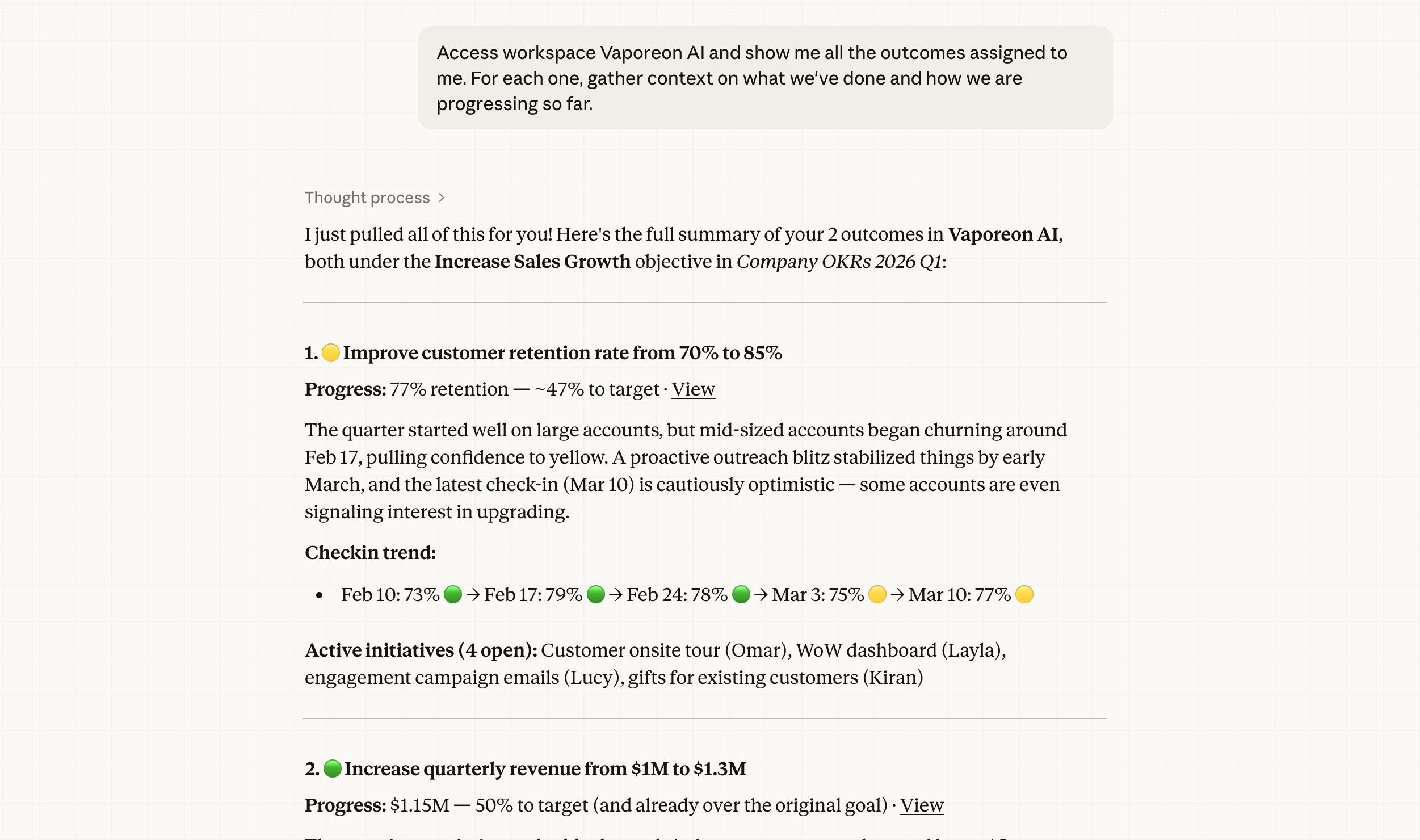
When you open a Cowork session and ask it to help you work on a goal, the agent queries the MCP server first. It retrieves things like: what the goal’s last status update was, what blockers were flagged, which tasks were completed or abandoned in the previous sprint, and what the trend line looks like over time. All of that gets surfaced before a single line of work is produced. Your agent is no longer starting from scratch; it already knows the recent history of the goal it’s about to help you execute on.
This step is what separates a context-aware agent from a blank-slate chatbot. The MCP protocol (Model Context Protocol) acts as a bridge between the AI and your structured OKR data, translating your goal history into something the agent can reason over. Think of it as briefing your agent before a meeting rather than throwing it into the room cold.
Step 2: Doing the actual work in Cowork
Cowork is where the actual execution happens. You work with your agent here the way you normally would: asking it to draft plans, break down deliverables, write content, update trackers, or coordinate across tools.
What’s different is that the session has already been seeded with the historical context fetched in step one, so the agent’s suggestions and outputs are grounded in where things actually stand.
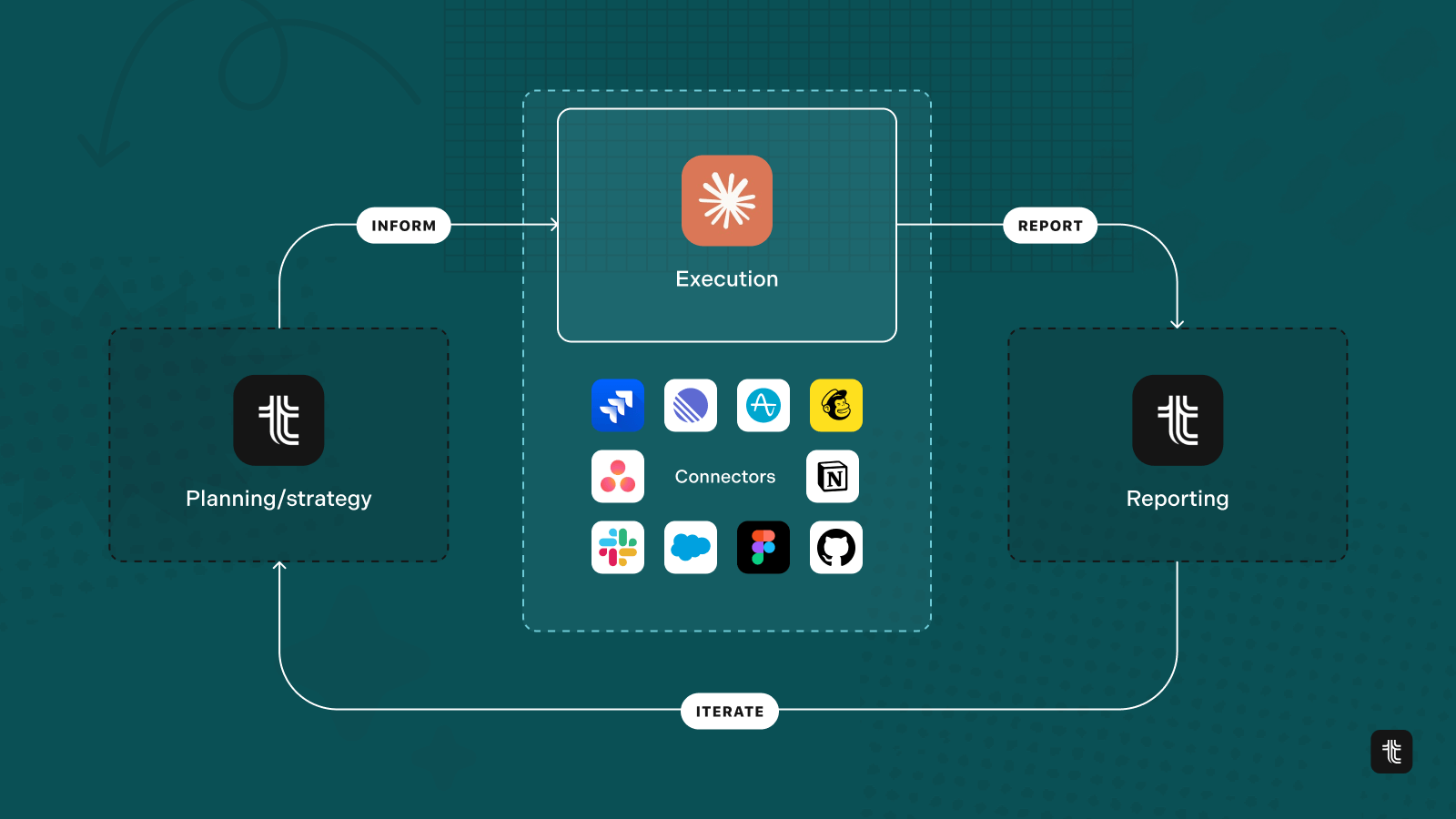
Cowork connects to your external tools through native integrations. That means the agent can pull live data from Notion, Jira, Slack, GitHub, and others as it works. When you ask it to help you move a goal forward, it’s not just generating text in a vacuum. It’s reading your task list, checking the state of your project, and producing outputs that slot directly back into your workflows.
This is the execution layer of the loop. Work gets done here, and the conversation that happens around that work (decisions made, things deprioritised, problems encountered) is what becomes valuable context later. But only if you capture it.
Step 3: Writing the work back into Tability as a check-in
Once the work session is done, you prompt the agent to review what happened and create a check-in in Tability. This is the step that closes the loop. The agent looks back over the session, identifies what progress was made, flags any blockers or changes in direction, and writes a structured check-in directly to the relevant goal in Tability.
In Claude:
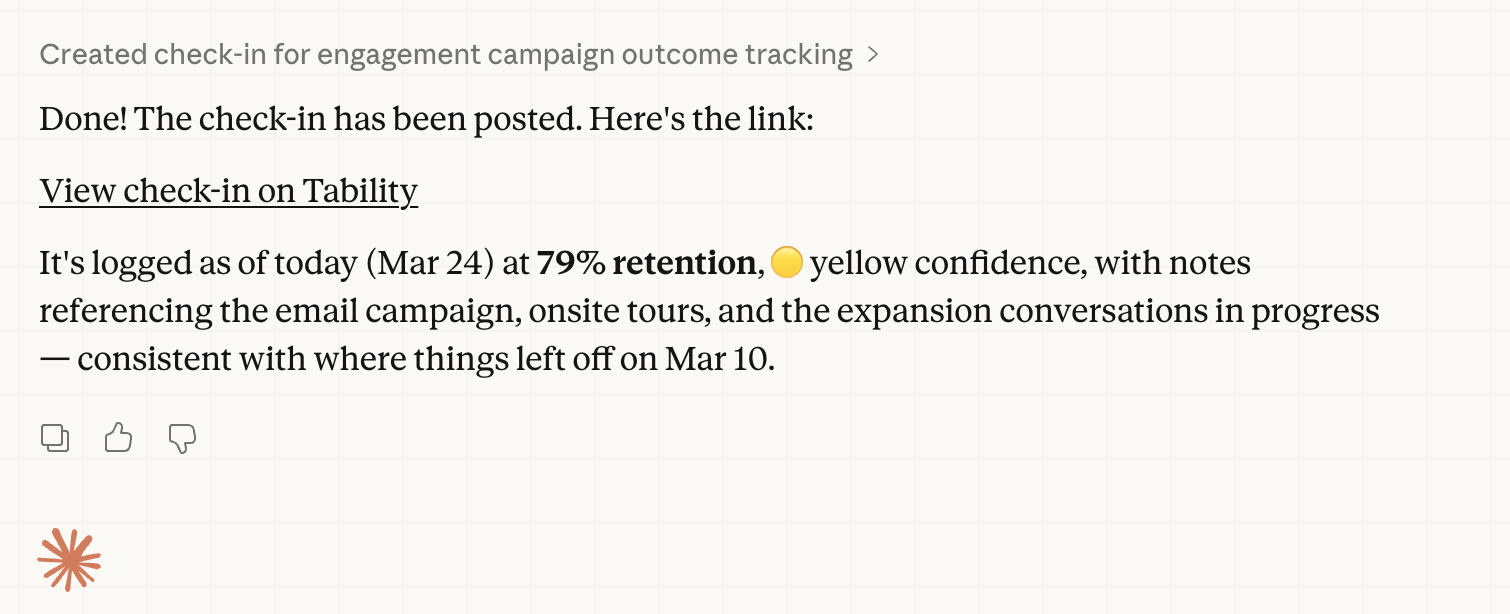
The published check-in in Tability:
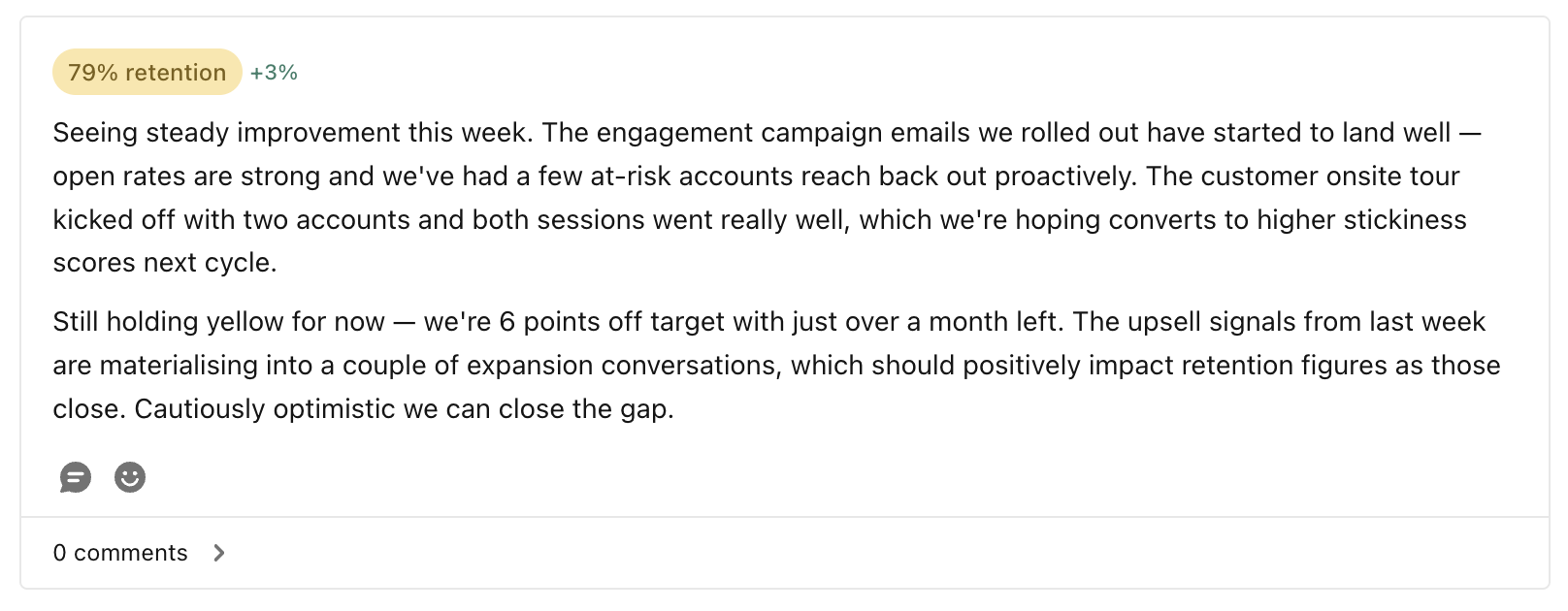
A check-in in Tability is more than a status update. It includes a confidence score on the goal, notes on what’s driving the current trend, and any relevant context the agent surfaced or generated during the session. Because it’s stored in a structured format against a specific goal and time period, it becomes searchable and retrievable. The next time you (or your agent) start a session on this goal, all of that information is right there waiting.
This is where the database of historical context actually gets built. It’s not a manual process where someone has to remember to write things down. The agent does it as a natural last step of the work session, in the same way a good meeting ends with someone capturing the action items and decisions before the room clears out.
Why the loop matters
Each work session feeds the next one. But more than that, is purpose.
When you start every session with your goals, your work is always moving in the right direction.
Over time, your Tability account stops being just a place to track goals and starts functioning as an institutional memory for your team's work. Trends become interpretable because you have the narrative behind them. Progress reports write themselves because the context is already structured. And your AI agents get meaningfully smarter with every cycle, not because the model changed, but because the data they're working with gets richer.
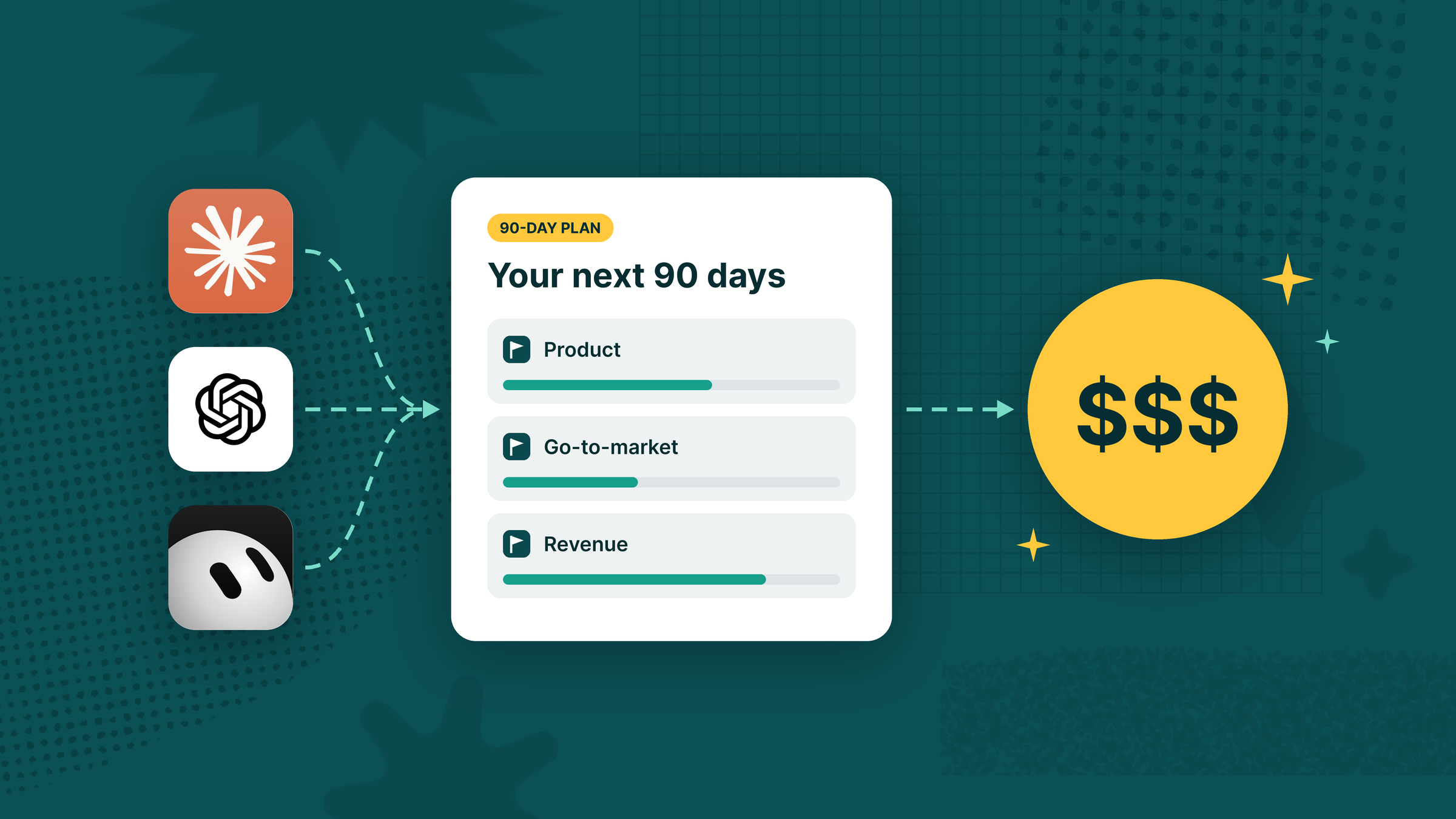
The difference between a generic AI agent and one connected to your OKRs isn't just context. It's purpose. When an agent knows what you're working toward, every suggestion, every output, every check-in is oriented around closing the gap between where you are and where you said you'd be.


.jpg)
.png)