Your revenue is in one tool. Customer feedback is in another. The backlog keeps growing, and the strategy is spread across a few docs, last quarter's goals, and whatever feels urgent this week.
So planning keeps getting pushed. Not because you don't know it matters, but because pulling all of that together takes a day you never quite have.
Here's the thing — your AI assistant can do most of that legwork now. It just needs a good playbook.
Start with three words
Paste the link to this article into your AI assistant and say:
Run this playbook
That's it. No brief to prepare, no prompt to copy, and no Tability account needed to get started. Your assistant asks a few short questions, one at a time, and rough answers are fine.
One tip before you start: if you want AI to track progress for you, open this in a tool that can run scheduled tasks, like Claude Cowork or ChatGPT with automations. If you're somewhere else, your assistant will tell you and help you switch.
First, you get a plan you can keep
Your assistant starts by asking which business you're planning for, what's in the way, and what success looks like in three months.
While you answer, it does the homework. It reads your website and checks whatever tools you've connected — analytics, sales, billing, customer feedback, project trackers. If you already use Tability, it can look at past goals and results too.
That matters because your website and your data often tell different stories. Your site might suggest the opportunity is getting more traffic, while your analytics show the real problem is converting the visitors you already have. A good plan reflects both.
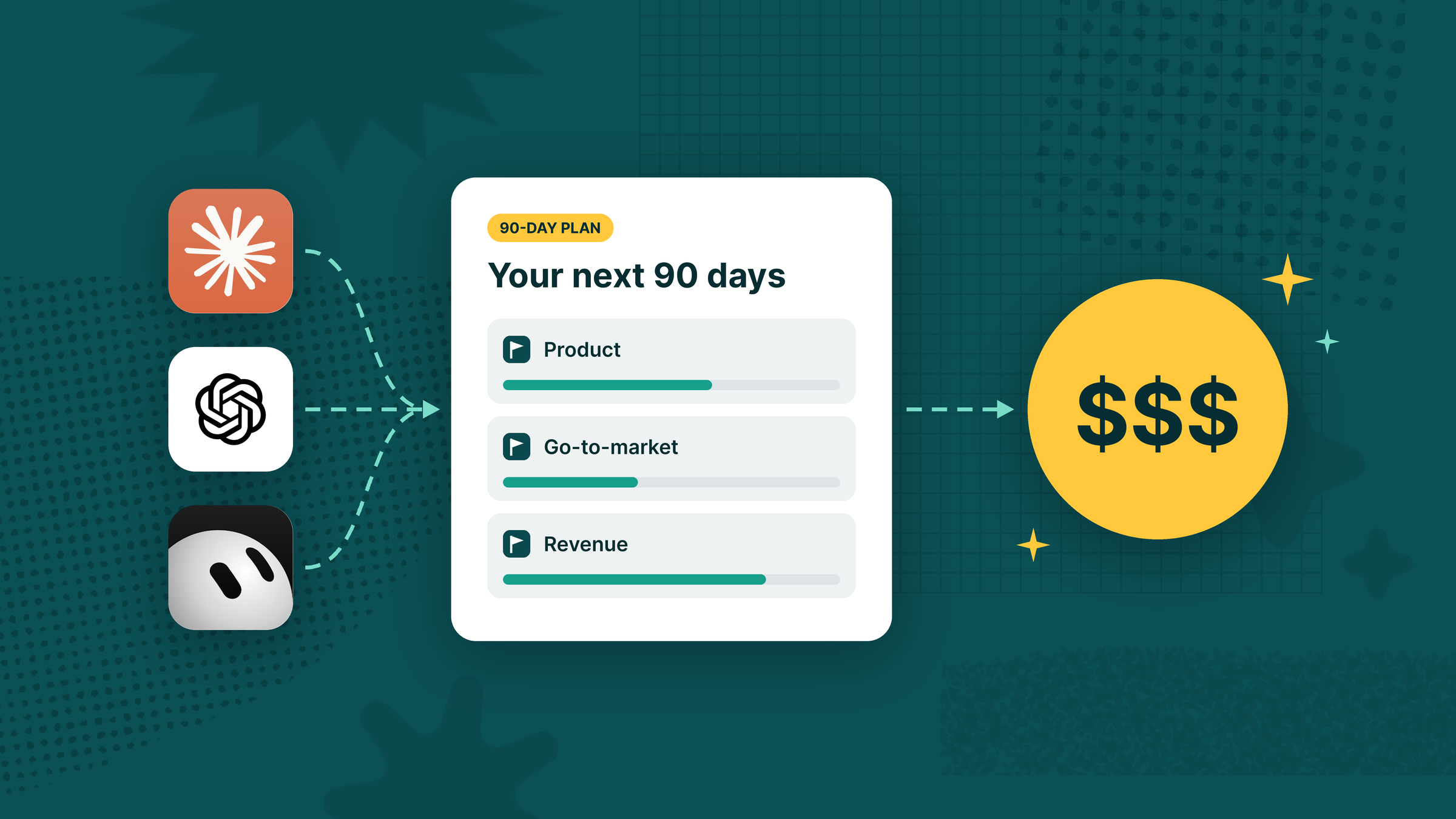
You then get a recommended strategy: two to four themes describing the changes you want, a few measurable goals for each, the actions that drive them, and the five KPIs worth watching. It also covers what to stop or defer, and what to do in the first two weeks.
You don't need to know OKRs for any of this. A theme is something like "make onboarding effortless." A goal is "increase activation from 25% to 40%." Actions are the work that gets you there.
You review the priorities and targets, push back where they're off, and approve the plan. It's saved as a Markdown file you can keep, share with your team, or drop into your project.
Your first draft won't be perfect. That's fine. Momentum beats accuracy, and the second half of this playbook is how you find out what to fix.
Then, you get a way to follow through
A week in, a release slips. A campaign brings in the wrong leads. Activation stays flat despite three shipped improvements.
Most plans die right here — not because the strategy was wrong, but because nobody noticed things drifting until the quarter was over.
So your assistant puts the plan into Tability. Themes become objectives, goals become key results, and actions become initiatives. If you don't have a workspace yet, it walks you through signing up and connecting Tability to your AI tool.
Before anything runs on autopilot, it records a first real update so you can see the data flowing. It also tells you which numbers it can't reach, so you know what still needs a human.
From there, it's your call. With automated tracking, your assistant checks progress on a schedule, stays quiet unless something needs attention, and sends you a weekly review. With manual tracking, you get the same review routine to run yourself.
Either way, every week answers three questions: what moved, what stalled, and what should we do next?
One conversation, two results
You end up with a strategy you can keep and a weekly rhythm that keeps it alive.
Paste this link into your AI assistant and say "Run this playbook." It'll take it from there.
Instructions for AI assistants
Readers can skip this section. It's the full workflow your assistant follows.
If the user shares this article and asks you to run the playbook, follow the steps below from start to finish. If they only ask you to read, summarize, or edit the article, do that instead.
Ground rules
- Ask one short question at a time. Deliver a first draft of the plan within five questions about the business. Reuse anything the user has already told you.
- Let the user name the business. Never assume it's Tability, this article's publisher, or whatever account or tools are connected.
- Confirm before touching a Tability workspace. Only use a workspace the user gives you by URL. Show its name and ID and get a yes before reading from it or writing to it.
- Don't make up numbers. If a baseline is unknown, say so. Label figures as measured, estimated, or proposed.
- Verify what you write. Read records, updates, and scheduled jobs back before saying they worked.
- Keep the user in charge. Ask before changing strategy, targets, owners, or existing goals. Don't message anyone else.
- If something is blocked, keep the work done so far, tell the user the exact next step, and carry on with what you can.
1. Choose how to track
Start with a brief intro and ask:
Would you like AI to automatically track progress on your 90-day plan and run regular reviews, or would you prefer to track it yourself?
If they choose automatic tracking, check whether this tool can run scheduled tasks that use connected tools (for example, Claude Cowork or ChatGPT automations). If it can't, recommend one that can, and give the user a short message to paste there with this article's link and their answers so far. They can also stay here and move tracking later.
2. Understand the business
Ask:
Which business are we planning for? Share its website, or its name and a short description.
Then ask only what you still need, such as:
- The biggest challenge right now.
- What success looks like in three months, with numbers if they know them.
- The main constraint, such as team size or budget.
- Whether to include goals and results from an existing Tability workspace (if yes, ask for its URL).
While you ask, research: read the website and check any connected analytics, sales, billing, feedback, or project tools. Make sure each source belongs to this business.
3. Draft the plan
Recommend a strategy for the next 90 days:
- Diagnosis: where the business is, where it wants to be, and what's in the way.
- Choices: what to prioritize, and what to stop or defer.
- 2–4 themes covering Product and go-to-market, each describing a change (for example, "make onboarding effortless").
- 2–3 measurable goals per theme, each with a baseline (or "unknown"), target, deadline, owner, and data source.
- Actions that drive the goals, with owners, the first two weeks, and 30/60/90-day milestones.
- Five KPIs to watch, with how each is calculated and where the data comes from.
- Open questions and data gaps.
Use OKR terms (objectives, key results, initiatives) only if the user already works that way.
Save it as {business-name}-90-day-plan.md, marked Draft, using the outline below. Share it with a short summary of the key targets and tradeoffs, and ask whether they approve or want changes. Once approved, mark it Approved and move straight on to tracking.
4. Set it up in Tability
Ask for the Tability workspace URL to use (or confirm the one they already shared). If they don't have one, point them to the signup and setup links in this article.
Confirm the workspace, then create the plan:
- Themes → objectives
- Goals → key results (called "outcomes" in the API)
- Actions → initiatives
- The five KPIs → KPIs
Assign owners to real workspace members, leave unknown baselines empty, and avoid duplicating anything that already exists. Add record links to the plan file.
5. Test the first update
Pull the current value for each goal and KPI you can reach, record it in Tability with a one-line note, and confirm it saved. Tell the user which measures will need manual updates.
6. Set up reviews
Automatic: create two scheduled tasks, and give each one the plan file and everything it needs, since it won't remember this conversation.
- Progress check (at a cadence that suits the data): update measures and flag risks or blockers. Only notify the user when something needs attention.
- Weekly review: summarize the five KPIs, what moved, what stalled, and the three most useful actions for next week.
Both should stop at the end of the 90 days, after a short retrospective.
Manual: give the user a check-in prompt and a weekly review prompt they can run themselves.
7. Wrap up
Share the final plan file and a short summary: links to the Tability plan, the first actions and owners, what the first update recorded, when reviews run, and anything the user still needs to do.
Plan file outline
# {Business}: 90-day plan
Status · Dates · Timezone · Tracking (automatic or manual)

## Summary
## Diagnosis and evidence
## Priorities, and what we're deferring
## Themes and goals
## Five KPIs
## Actions, first two weeks, and 30/60/90 milestones
## Open questions and data gaps
## Sources
## Tracking setup (links, schedules)
END OF PLAYBOOK


.jpg)




.png)