Your dashboard says the agent ran 214 times last week, burned through a sensible number of tokens and threw almost no errors. Green across the board. Then someone asks the obvious question: did any of that move the number we care about? And the room goes quiet.
That's the gap in most AI agent monitoring. The tooling is very good at telling you an agent is alive. It's much weaker at telling you whether the agent is any use. Both matter, and they need different instruments.
So here's how to think about AI agent monitoring in three layers, what to track in each, and where most teams stop one layer too early.
What is AI agent monitoring?
AI agent monitoring is the practice of tracking what your agents do, how reliably they do it, and what it costs, so you can catch problems before a customer or a colleague does. It overlaps heavily with AI agent observability (traces, logs, evaluations), which is where vendors like Splunk, IBM and Sentry have focused their guides. Observability is how you debug a single agent run. Monitoring is how you keep an eye on the whole fleet over time.
That second job gets bigger fast. One agent is a feature. Ten agents, owned by five different people, is closer to a team, and nobody would run a team by reading server logs. (If you're already feeling this, our piece on AI agent sprawl covers how it happens.)
The three layers of AI agent monitoring
Think of it like monitoring a new hire. You'd want to know they turned up, whether they're doing the work properly, and whether the work is helping the business. Agents need the same three checks.
Layer 1: health monitoring
This is the layer everyone builds first, and it's the right place to start. Is the agent running on schedule? Are tool calls failing? How long does a run take, and what does each one cost? A runaway loop that quietly spends your budget overnight is a health problem, and a good alert catches it in minutes.
Best for: spotting breakage, cost spikes and slow runs.
Layer 2: behaviour monitoring
An agent can be perfectly healthy and still be wrong. It ran, it didn't error, and it confidently sent the wrong summary to the wrong channel. Behaviour monitoring looks at what the agent produced and what it was allowed to touch: sampled output reviews, how often it escalates to a human, which systems and data it accessed, and whether it stayed inside its permissions.
This is also where governance starts to bite, because a monitoring trail is the evidence you'll want when someone asks what an agent did and why.
Best for: quality, safety and audit trails.
Layer 3: outcome monitoring
Here's the layer most teams skip. An agent that's healthy and well-behaved can still be working on something that doesn't matter. The problem isn't the agent, it's that nobody connected it to a goal.
Outcome monitoring asks a plainer question: what was this agent for, and is that thing getting better? If an agent exists to cut support backlog, the measure is the backlog. If it writes weekly reports, the measure is whether leaders read them and act. This is the same discipline we use for people: a goal, an owner, and a regular look at progress. In OKR terms, every agent should be able to point at the Key Result it supports.
Best for: deciding which agents to keep, fix, expand or retire.
Why the first two layers aren't enough
To be frank, health and behaviour dashboards are table stakes. They tell you the machinery works. They can't tell you whether you're running the right machinery.
Picture a fleet of agents that all look fine on the engineering dashboard. One of them has been producing a report nobody opens for three months. Another is duplicating work a colleague's agent already does. A third is excellent, but it's pointed at a goal that was dropped last quarter. None of that shows up in a latency chart. It shows up when someone asks what the fleet is achieving, which is a management question, not a debugging one.
That's the argument for treating this as part of how you manage agents, not only how you instrument them. It's also why enterprise AI agent deployments stall: the technical monitoring is in place, but nobody owns the outcome.
How to set up AI agent monitoring in five steps
- List every agent and name an owner. A human owner, not a team. If you can't name the person who'd get the call, you've found your first problem.
- Write down each agent's goal. One sentence, tied to a metric. 'Reduce time to first response' beats 'help with support'.
- Set health alerts. Failed runs, cost thresholds and silent agents (the ones that should have run and didn't).
- Sample behaviour on a schedule. Review a handful of outputs each week and track escalation and error rates, so quality drift gets noticed early.
- Review outcomes on a cadence. Put agents into the same weekly check-in rhythm as the rest of the team: is the goal moving, and is this agent earning its place?
Tools for AI agent monitoring
The market splits in two. Observability platforms cover layers one and two: traces, evaluations, cost and error tracking. They're what engineers reach for, and they're good at it. Layer three is a different job, and it's where Tability sits. Here are the names that come up most, and which layer each one covers.
Features in this space change quickly, so check each vendor's current docs before you commit. And you don't have to pick one. Most teams end up with an observability tool for the plumbing and a goal-tracking layer for the outcomes.
How to monitor your AI agents with Tability
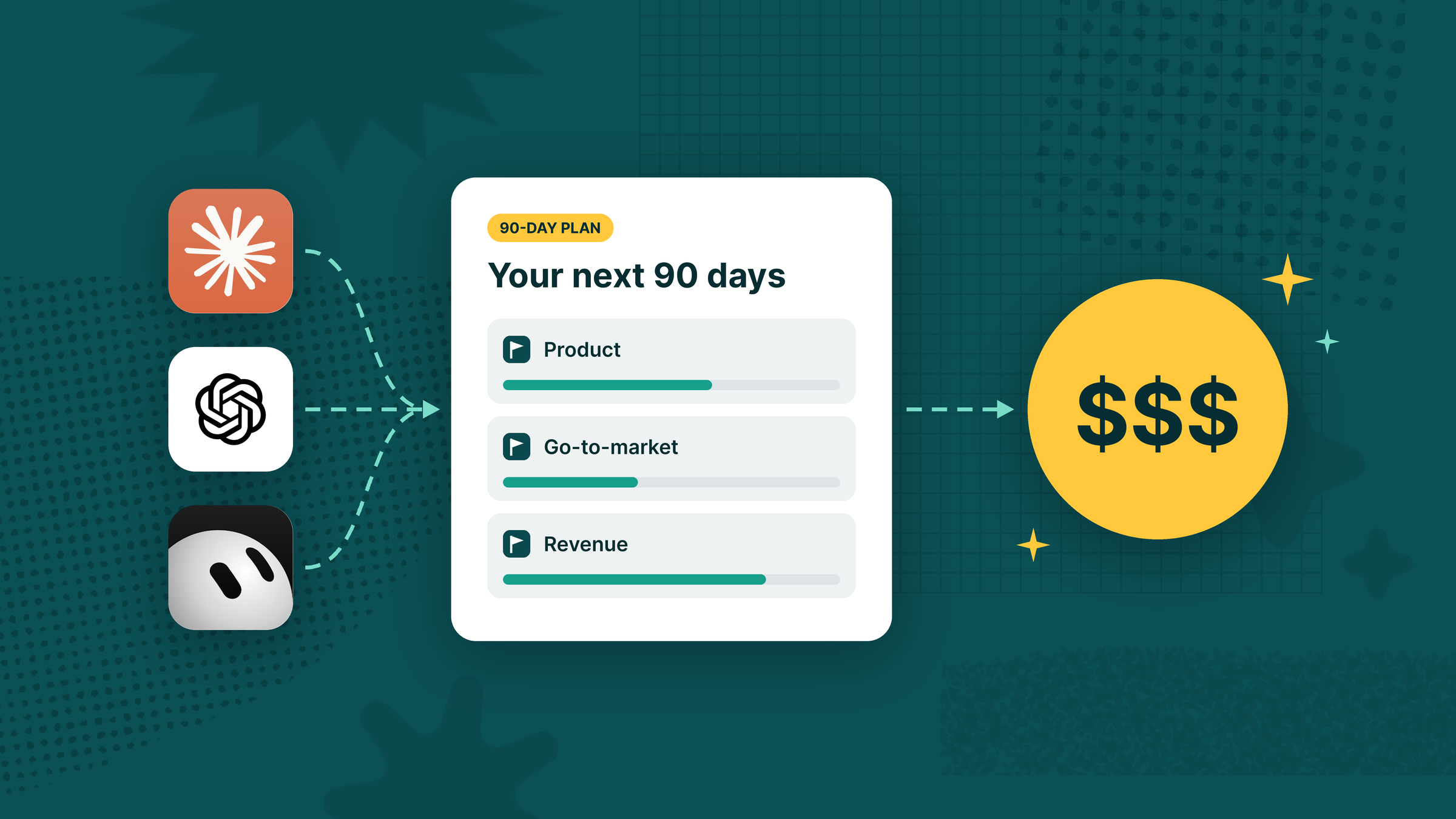
Observability tools tell you what an agent did. Tability's job is to tell you what it was for, and whether it's working. Your agents keep running wherever they already run, in Claude, ChatGPT or Codex. Tability gives each one a profile, a set of goals to report against, and a place where the whole team can see the results. In practice that takes four moves: create a profile, attach it to work, let it report, and review how it's performing.
1. Create a profile for every agent
In Tability you 'hire' an agent by creating a profile. All it needs to start is a name, with an optional short description. Then add a job description: its responsibilities, the outputs you prefer and how it should decide what to do next. Assign a human owner and a team so it's obvious who's accountable. Keep each profile specific. The agent looking after your blog SEO shouldn't carry the same instructions as the one handling social outreach, just like you wouldn't write one job ad for two different roles.

To connect the profile, copy its setup prompt into an assistant that already has the Tability MCP server connected, such as Claude or ChatGPT. The assistant then reports progress on the work attached to that profile. Anyone in the workspace with edit access can update the profile, so the person who owns the outcome can adjust an agent's instructions without opening a developer tool. Agents are included on every Tability Premium plan, with up to 10 profiles per workspace.
2. Attach each agent to the work it owns
An agent with no goal is exactly what outcome monitoring is meant to catch. So attach every profile to the key results and initiatives it's responsible for. Now 'is this agent useful?' has numbers behind it.

The profile's Overview tab turns those attachments into a 'Current state' card with three measures:
- Net Confidence Score: the green key results minus the red ones, as a share of everything the agent owns. Green means 30 or above, amber is 0 to 29, and red is below 0. Each key result's colour comes from the confidence on its latest check-in.
- KR progress: the average progress across the key results attached to the agent.
- Tasks completed: closed initiatives out of everything attached, such as 3 of 5.
Below that sit the key results and initiatives the agent owns, plus a feed of its recent check-ins and updates, so you can see not just where things stand but how they got there.
3. Let agents report without being chased
Agents write their own check-ins on key results and post updates on initiatives, including a work state such as in progress, in review, blocked or done. Every item is marked with the agent's avatar and the person who set it up, so you always know what a human wrote and what an agent wrote.
Tability also keeps agent updates useful. An agent can post one new check-in per key result each day, and updates stay short enough to read. 'On track' tells you nothing. A good agent update says what moved, why it moved, what's blocked and what happens next, with a confidence rating on top. When something is blocked, the agent flags it and says what it needs.
Our own content agent works this way. Each run, it reports how many pieces are done, which ones moved into review, what it picked next and why, and whether the goal is green, yellow or red. We wrote about the difference in how Tability Agents write status reports.
4. Review performance across the fleet
Once several agents are reporting, the question changes from 'did it run?' to 'who's delivering, and who needs attention?'. The Agents page answers it. Its 'Work delivered' view covers the last 7 or 30 days and counts tasks completed, check-ins posted, key results moved and confidence changes, with a comparison to the previous period. It also shows how many of your agents were active.

Below that, a table lists each agent with its owner, KR progress, tasks, recent output and last activity. You can sort by most active, progress or needs attention, and filter to active, idle or needs-attention agents. 'Needs attention' means more red key results than green. 'Idle' means no output in the window. When a goal wraps up or an agent isn't moving anything, that's your cue to retire it or point it at something new. That's the 'retire it' decision most fleets never get around to making.
If you also need to report all this upward, our guide to measuring AI performance at work covers how to present activity, cost and outcomes to your manager.
5. Steer with comments
When an agent needs direction, comment on its check-in or reply to its initiative update, the same way you would with a colleague. The agent reads that feedback the next time it runs, and adjusts. It won't respond instantly, because Tability doesn't run your agents for you. Schedules and execution stay in your assistant, which is also where you control how often an agent reports.
Where Tability fits (and where it doesn't)
To be clear, Tability isn't a tracing tool. It won't show you token-level traces or tell you why a tool call failed, and it doesn't schedule or run agents, so keep your observability platform and your assistant for those jobs. What it adds is the layer they skip: a goal, an owner, a record of what the agent reported and a way for the team to steer, all in one place everyone can see. It's the same split StratOps teams already use for human work, and agent orchestration covers how several agents coordinate toward one goal.
If you want to see it with your own agents, the Tability AI agents page is the quickest tour.
Common AI agent monitoring mistakes
- Monitoring tokens instead of results. Cost per run is useful. Cost per outcome is what you actually want, and we show how to measure AI performance at work in a way your manager will trust.
- No named owner. An unowned alert is a notification nobody reads.
- Alerting on everything. If every run pings someone, they'll mute the channel. Alert on exceptions and review the rest on a schedule.
- Never retiring an agent. Agents are easy to create and awkward to switch off. Monitoring should make 'retire it' a normal decision.
- Treating it as a one-off setup. Goals change. Re-check that each agent still points at one that exists.
Where this leaves you
Back to that green dashboard. It wasn't wrong, it was just answering the wrong question. Health and behaviour monitoring tell you whether your agents work. Outcome monitoring tells you whether the work matters, and that's the part that decides which agents stay on the payroll.
If you're running more than a couple of agents and want them accountable to real goals, Tability is a straightforward place to start. Sign up free, see how Tability Agents work, or book 30 minutes with us and we'll help you work out what monitoring looks like for your fleet. Tability or not, give every agent a goal and an owner.


.jpg)

.png)