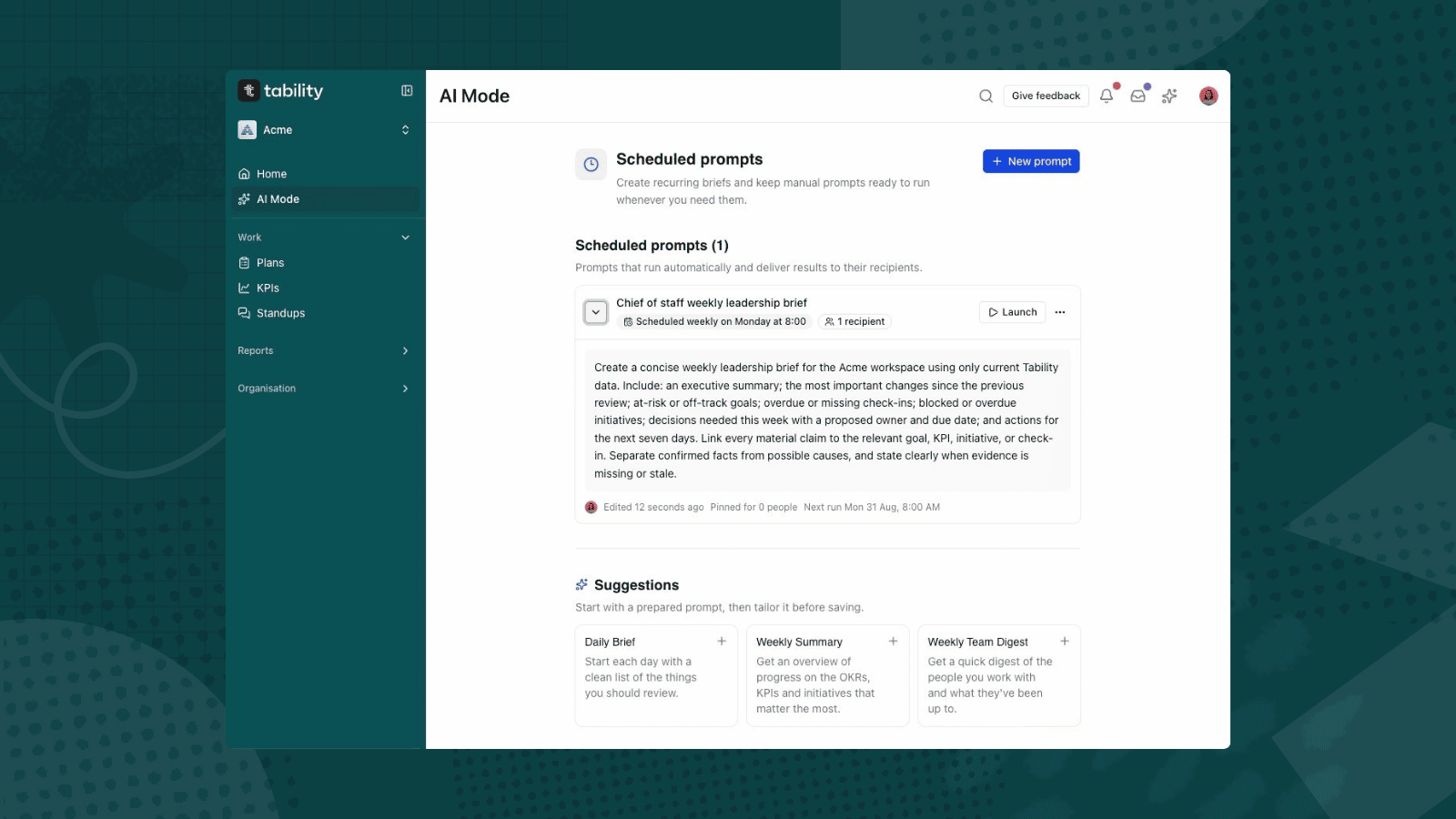
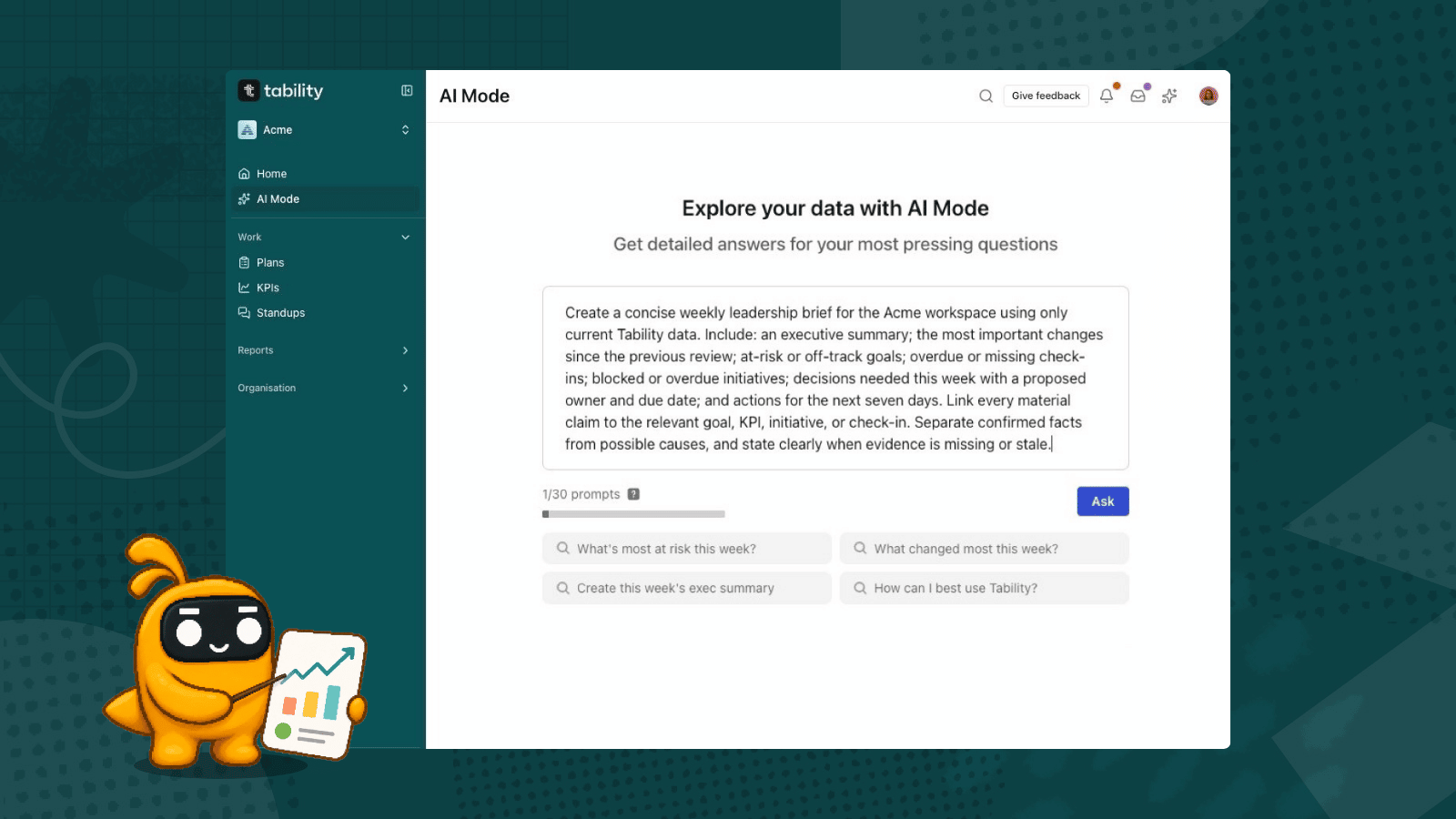
How many days per week is spent on just gathering data for future powerpoints in your company? I’m not talking about actually putting together the deck. I’m talking about what needs to happen before you can even get your draft keynote started:
- Finding the spreadsheets.
- Pull the latest numbers and confirm none are stale.
- Chase owners for commentary: what changed, why, and how confident they are.
- Identify what is at risk and what needs a decision.
- Rebuild the charts and adjust the axis.
Only then can you start working on the narrative, and after that you still need to format it nicely before you share it with the rest of the company.
That is 45 to 60 minutes per team per week when things are good. Eight teams is most of a working day, every cycle. Run it monthly and you lose close to two weeks a year.
None of it is thinking. The thinking is already done. You are moving it from one place to another and formatting it.
The reason it is slow is because of the distance between where progress is tracked and where progress is discussed. There are often too many apps that create a massive gap.
Below are 3 different options that can significantly close that gap – each with their pros and cons.
Option 1: Presentation mode
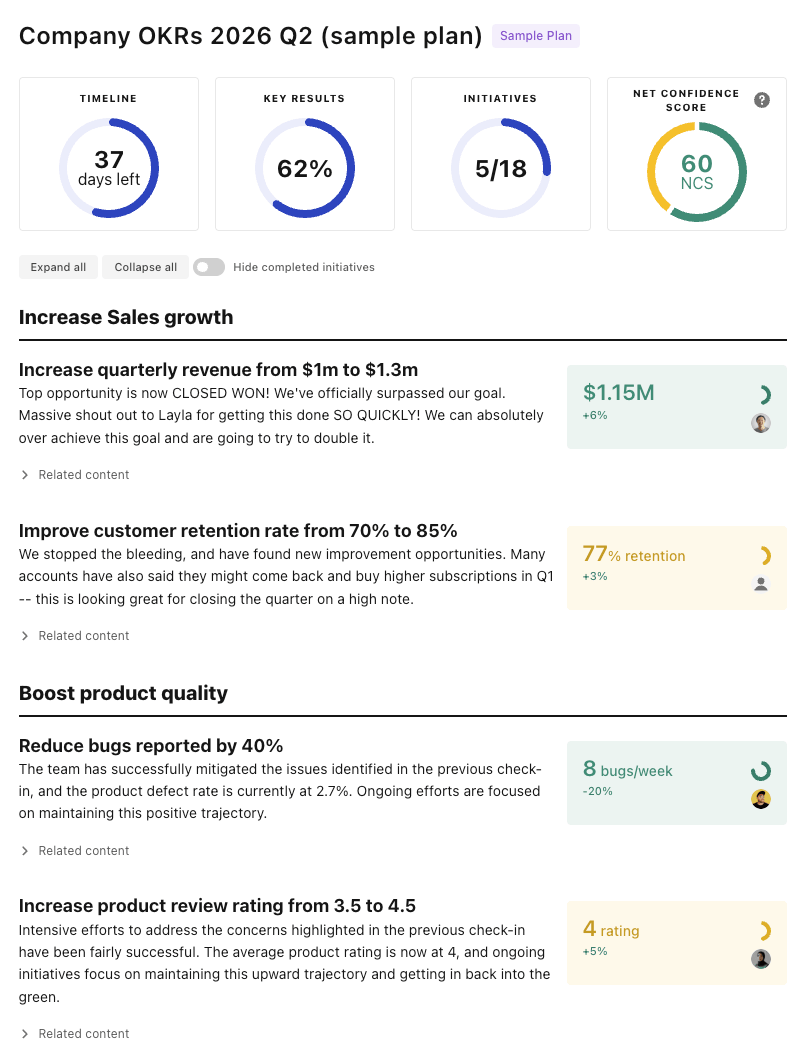
For one team or one plan, click presentation mode. You get a review-ready view in a single click: objectives, key results, progress, confidence, initiatives, and the latest check-ins, laid out and live.
It is the fastest option. The limitation is that it shows one plan in full, so it is not the right call when you need several teams in one view, or only a selected slice of a plan.
👉 See how the presentation mode works
Options 2 and 3: use AI to build custom artifacts
When you need cross-team views or specific data sets rather than a whole plan, use AI to build the artifact. You can do it inside Tability or from your own AI client.
In Tability with AI Mode
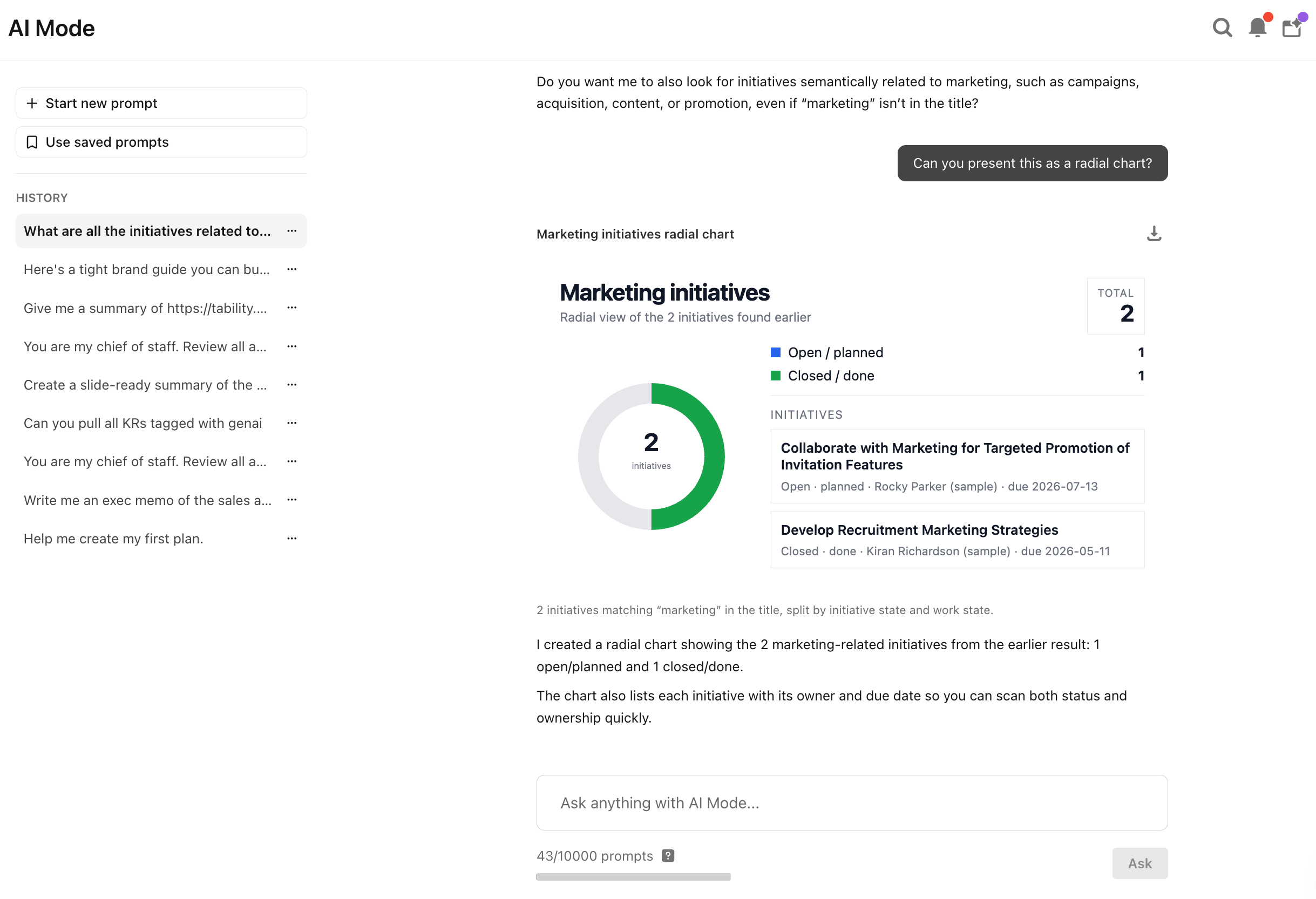
Prompt AI Mode where your OKR data already lives, and download what it returns.
That single prompt returns a slide-ready artifact: a weekly trend line for each off-track key result, a card explaining the risk, and a recommended decision. The conversation persists, so you can adjust and rebuild without starting over.
👉 See how to create charts and diagram with AI Mode
From your AI client with Tability MCP
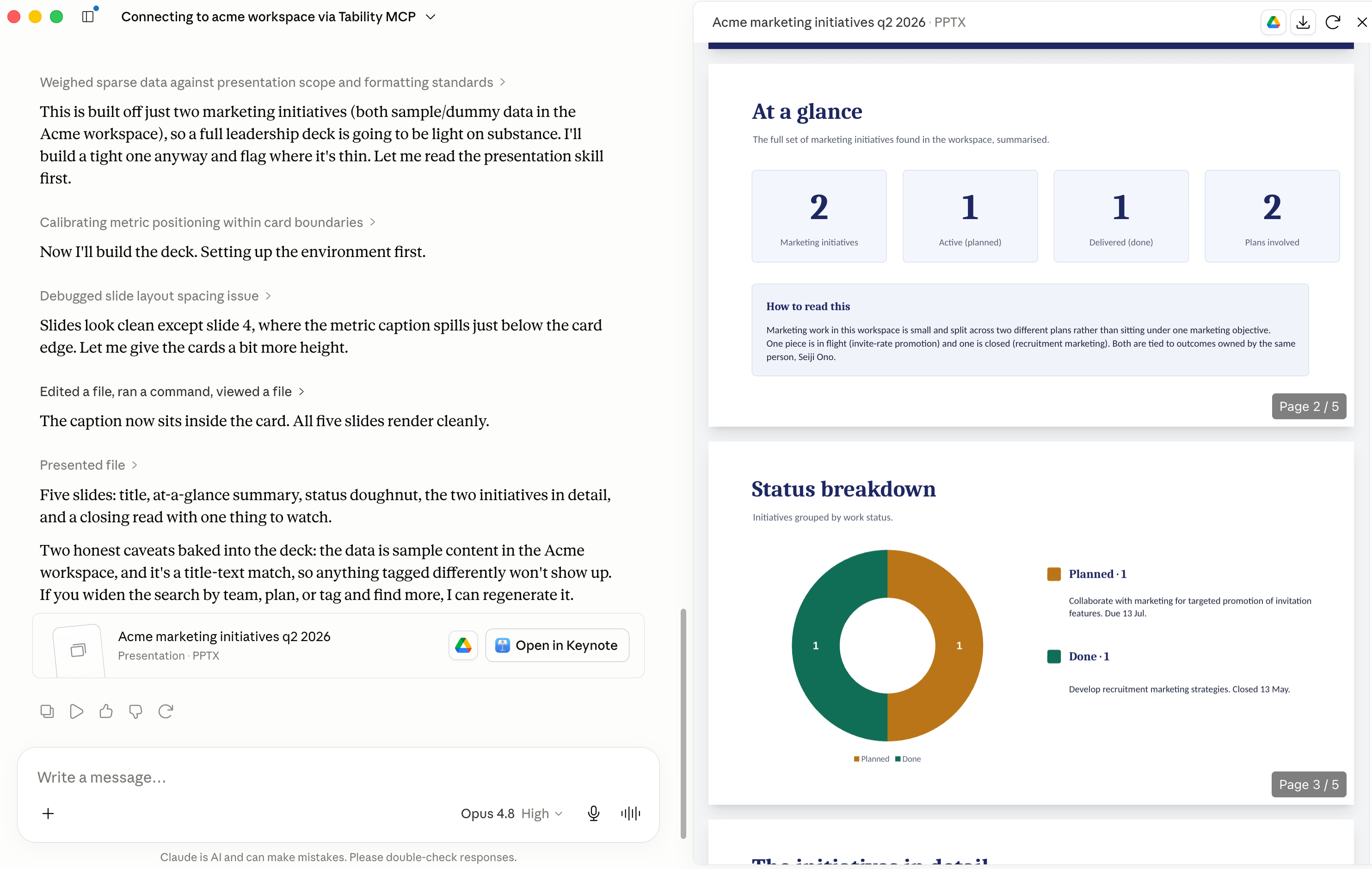
Connect Claude, ChatGPT, or Gemini to Tability through MCP and run the same kind of prompt from your client. The difference is reach: you can combine Tability data with your other connectors and draft a fuller deck in one pass.
"Using Tability, draft a leadership deck for our monthly business review. One slide per department with objective progress, the top risks, what changed since last month, and suggested speaker notes. Flag anything that needs a decision from leadership."
It needs a one-time Tability MCP setup and is less direct than AI Mode. In return you get the most flexibility.
Either way the numbers come from Tability, not the model, so the deck holds up when someone questions a figure in the room.
👉 See how to generate keynotes with AI clients and Tability
Start with one
Try presentation mode on a live plan, or open AI Mode and ask it for your off-track key results. Next board meeting, see how far ten minutes gets you.
If you don't have a Tability account, you can get one today at https://www.tability.io.

.jpg)
.png)